Film profiles, built in.
Choose from four color and four black-and-white profiles. See the look in the viewfinder before you take the photo.

Choose a film profile, add blur or light leaks, and edit your photos. Everything saves to Apple Photos.
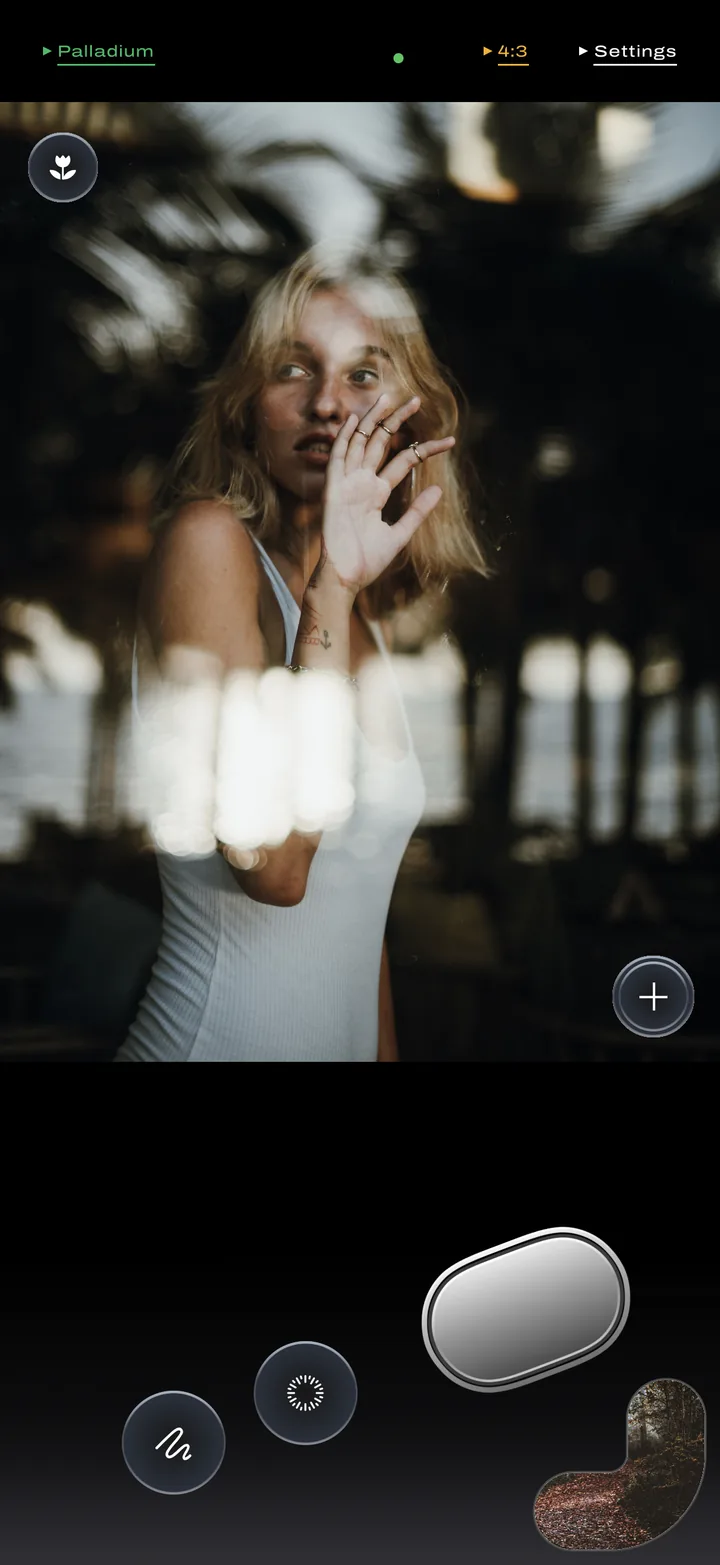
Choose from four color and four black-and-white profiles. See the look in the viewfinder before you take the photo.
Position the blur and adjust its strength. Add a light leak, then randomize it to try a different color and pattern.
Adjust exposure, tap to focus, and use focus peaking. Flash, a timer, and slow shutter are close at hand.
Adjust light and color, add grain, halation, or vignette, and crop or straighten. Undo changes or return to the original.
Your captures and edits save to your existing library. Manage photos in Surface without keeping a second collection.
Check the film, ISO, lens, resolution, and capture date. If a location is saved, open it in Maps.
Capture in Apple ProRAW on supported iPhones, or choose HEIC or JPEG for smaller files.